
For iPhone & iPad
Your world.
On screen.
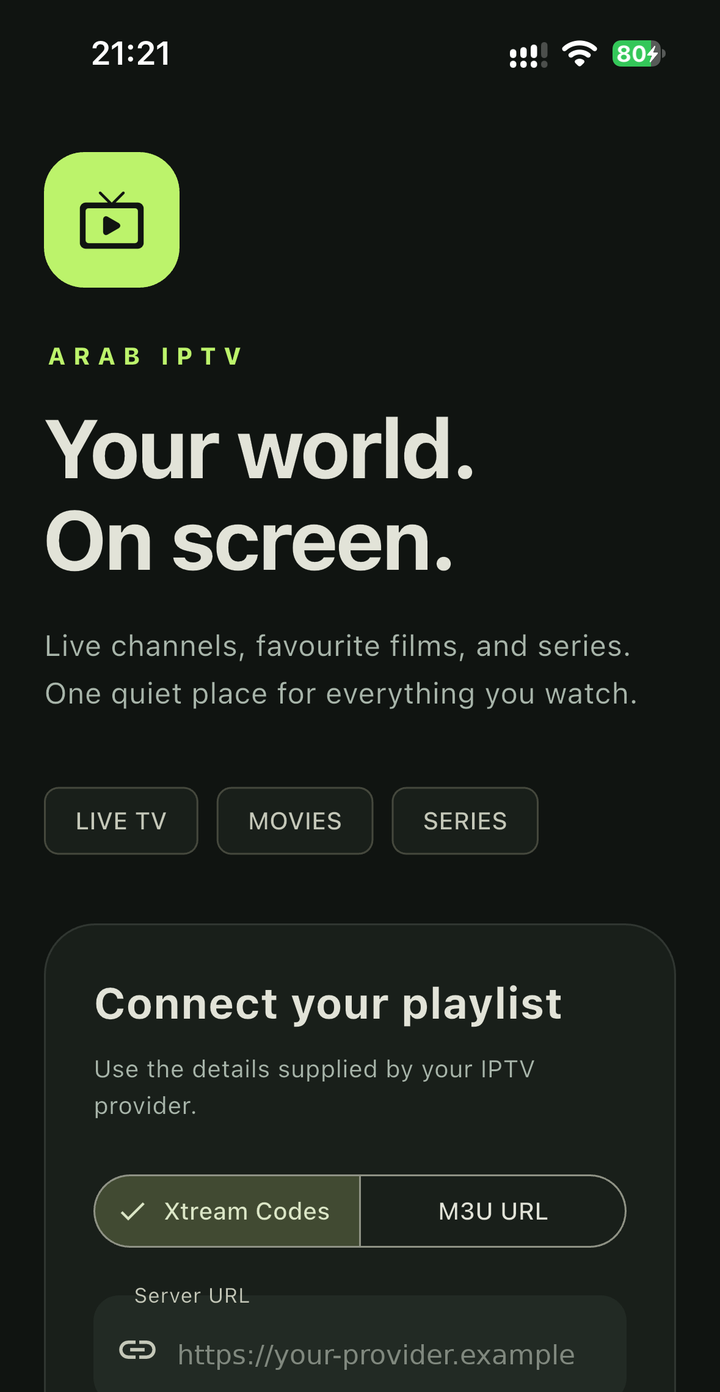
A clean, fast player for live TV, movies and series from the IPTV service you already use. Connect with Xtream Codes or an M3U playlist and start watching.
- Live TV
- Movies
- Series
- Offline downloads
Free to download. Coming soon to the App Store.
Bring your own content
Arab IPTV Player is a player only. It does not include, sell or link to any channels, films, series, playlists, subscriptions or activation codes. You need your own service that you are legally authorized to use.
Features
Everything you watch, in one quiet place.
Connect your provider
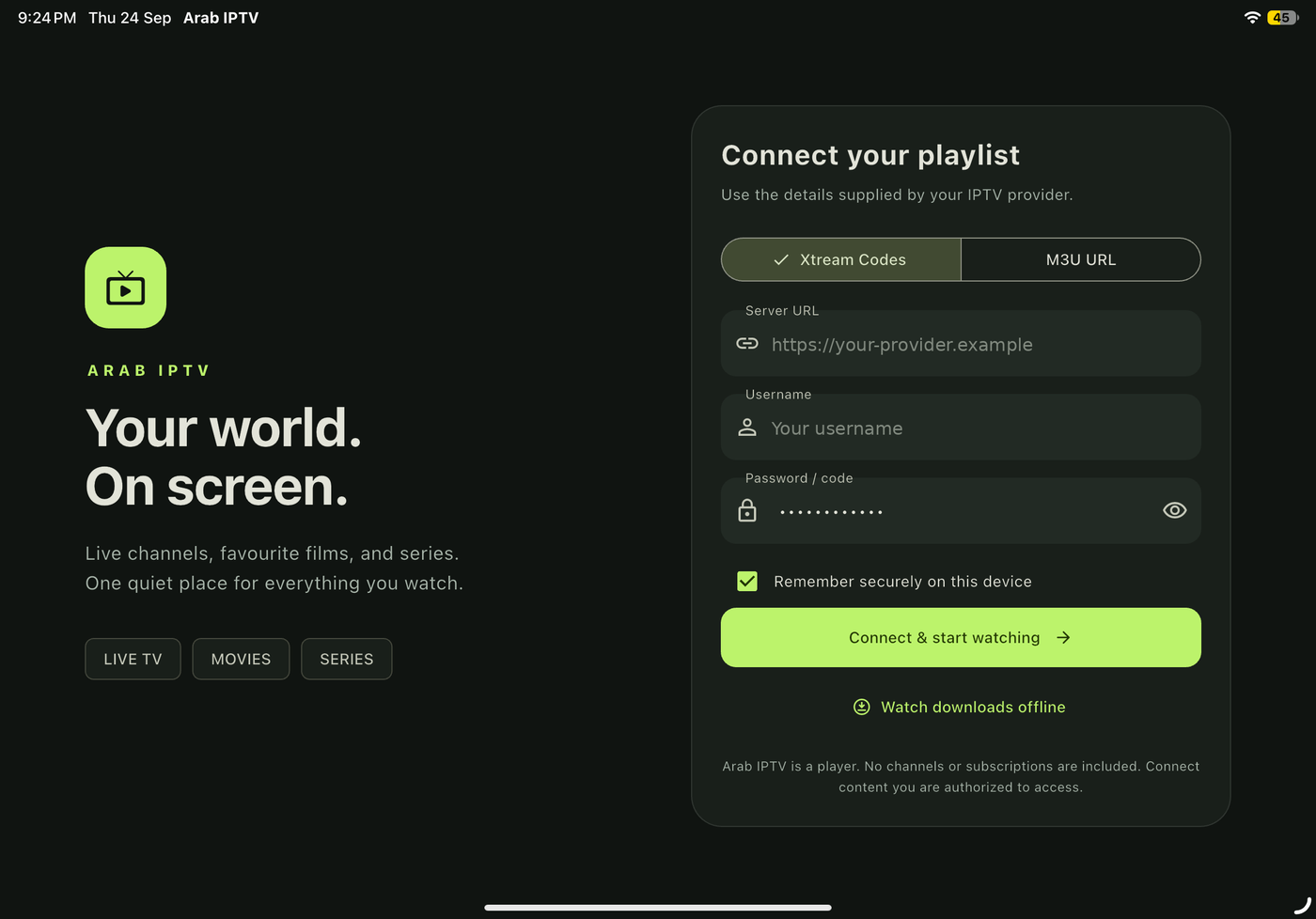
Sign in with the Xtream Codes details or M3U playlist URL supplied by your provider.
Live TV, movies & series
Browse by category, with seasons and episodes in order and a short programme guide where available.
Find it fast
Search your catalogue, save favourites to My list and pick up where you left off in Recently watched.
A capable player
Seeking, speed, screen fit, zoom, sleep timer and control lock. Choose audio and subtitle tracks when your stream provides them.
Watch offline
Download compatible movies and episodes where the rights holder permits it, and keep series organized in folders.
Private by design
No accounts, no ads and no analytics. Your login is kept in the device's secure storage and never sent to us.
How it works
Up and running in a minute.
Install the app
Download Arab IPTV Player free on your iPhone or iPad.
Add your service
Choose Xtream Codes or M3U URL and enter the details from your provider.
Start watching
Browse Live TV, Movies and Series, or open Downloads to watch offline.
iPad
Made for the bigger screen too.
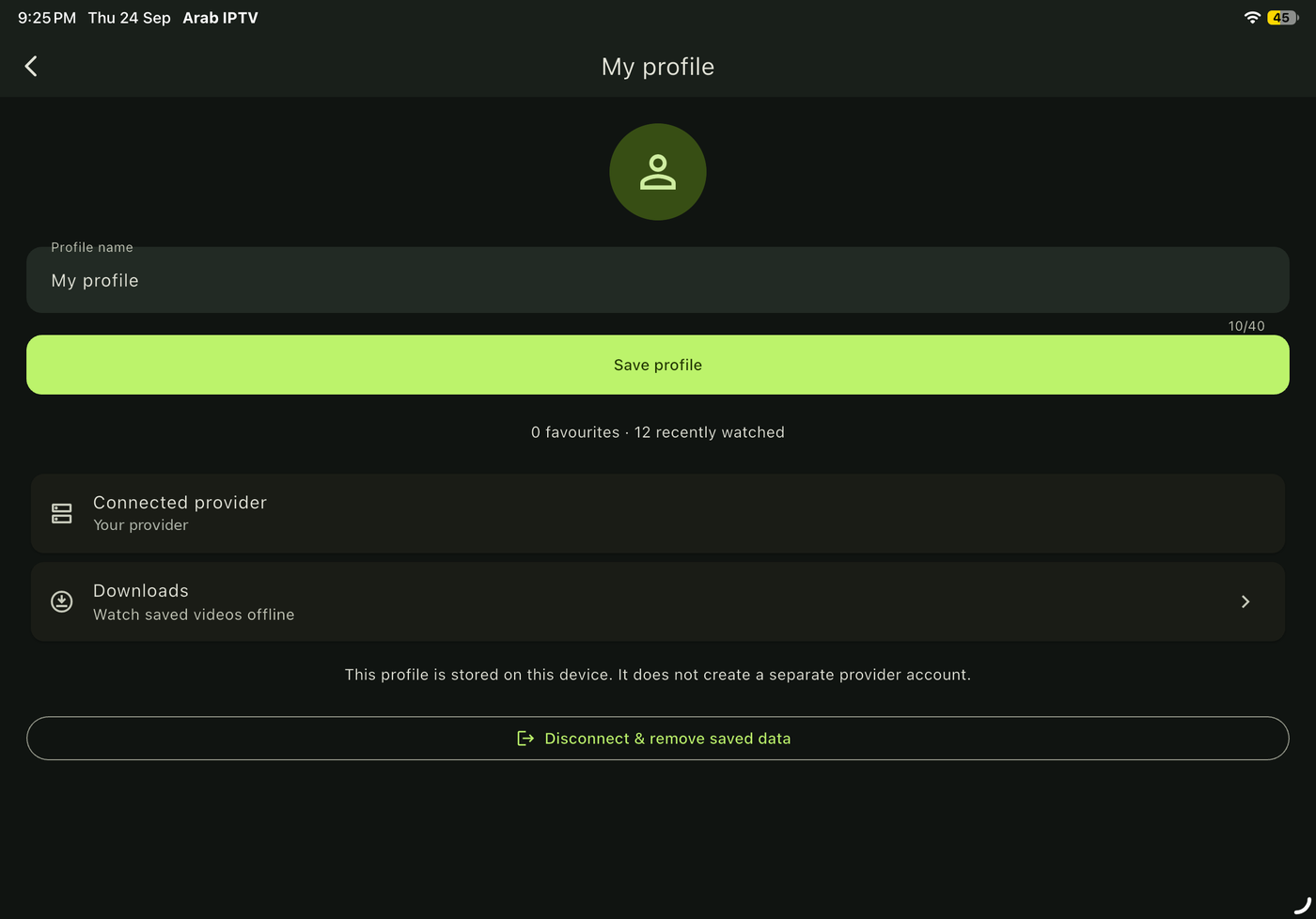
A layout designed for iPad, in portrait and landscape.
Your privacy
Your data stays on your device.
- No sign-up. There is no Arab IPTV Player account to create.
- No tracking. No advertising, analytics or tracking SDKs.
- Secure storage. Saved logins use the iOS Keychain.
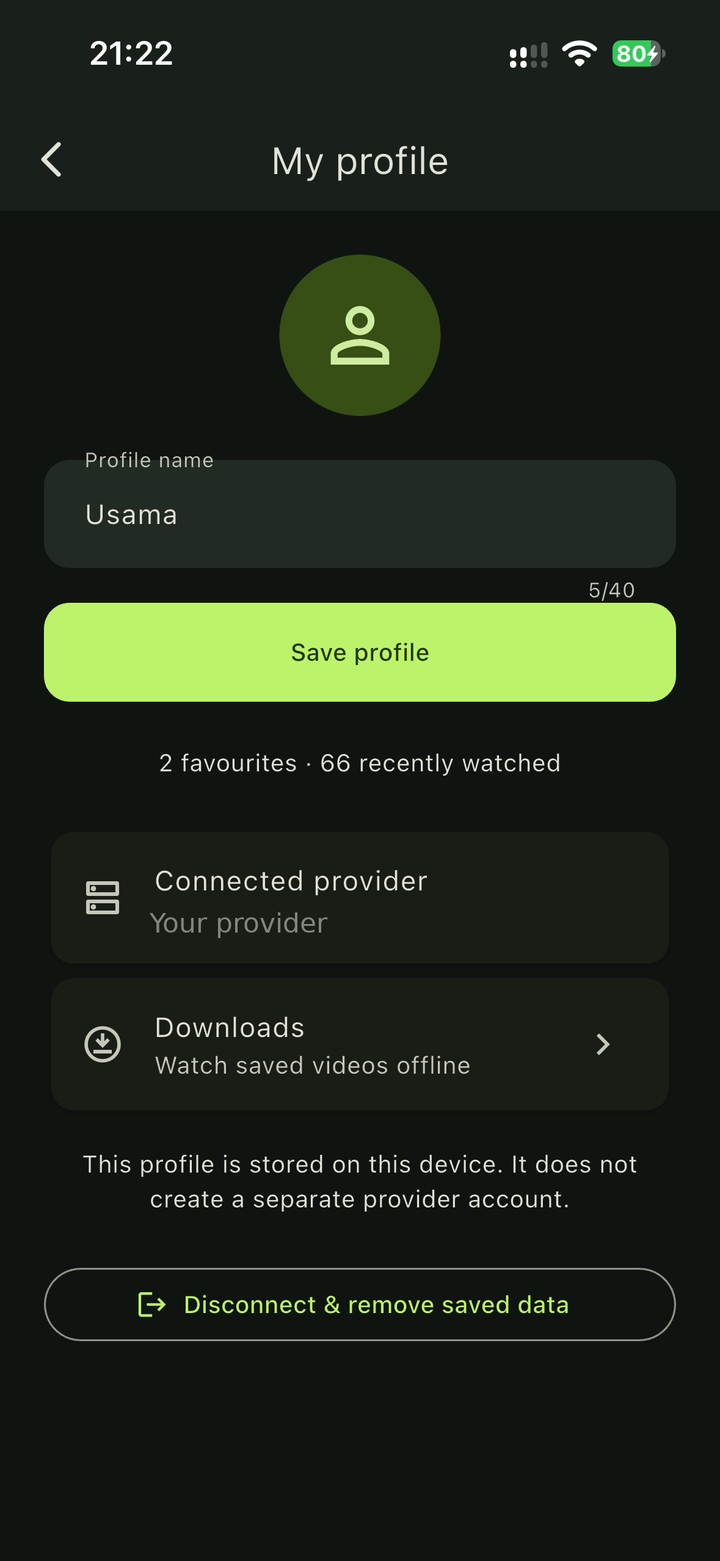
- You're in control. Disconnect removes saved logins, favourites, history and download records.
FAQ
Common questions
Does the app include channels or a subscription?
No. Arab IPTV Player is a player. You need your own IPTV service and must be authorized to access its content. We don't sell subscriptions, playlists or activation codes and can't recommend a provider.
Is the app free?
Yes. There are no in-app purchases, subscriptions or ads.
Which login types are supported?
Xtream Codes (server URL, username and password) and remote M3U playlist URLs.
Can I download for offline viewing?
You can download compatible direct video files where the rights holder and your provider allow it. DRM-protected content and HLS/DASH offline packaging are not supported.
How do I delete my data?
Open Profile and tap Disconnect & remove saved data, or delete the app. See Delete your data.
مشغّل Arab IPTV
مشغّل وسائط لأجهزة iPhone وiPad لمشاهدة البث المباشر والأفلام والمسلسلات من مزوّد الخدمة الخاص بك عبر Xtream Codes أو رابط M3U.
تنبيه: التطبيق مشغّل فقط، ولا يتضمن أو يبيع أي قنوات أو أفلام أو مسلسلات أو اشتراكات أو رموز تفعيل. يجب أن تستخدم خدمة مصرّحًا لك باستخدامها.
للدعم: usama.rahim@icloud.com